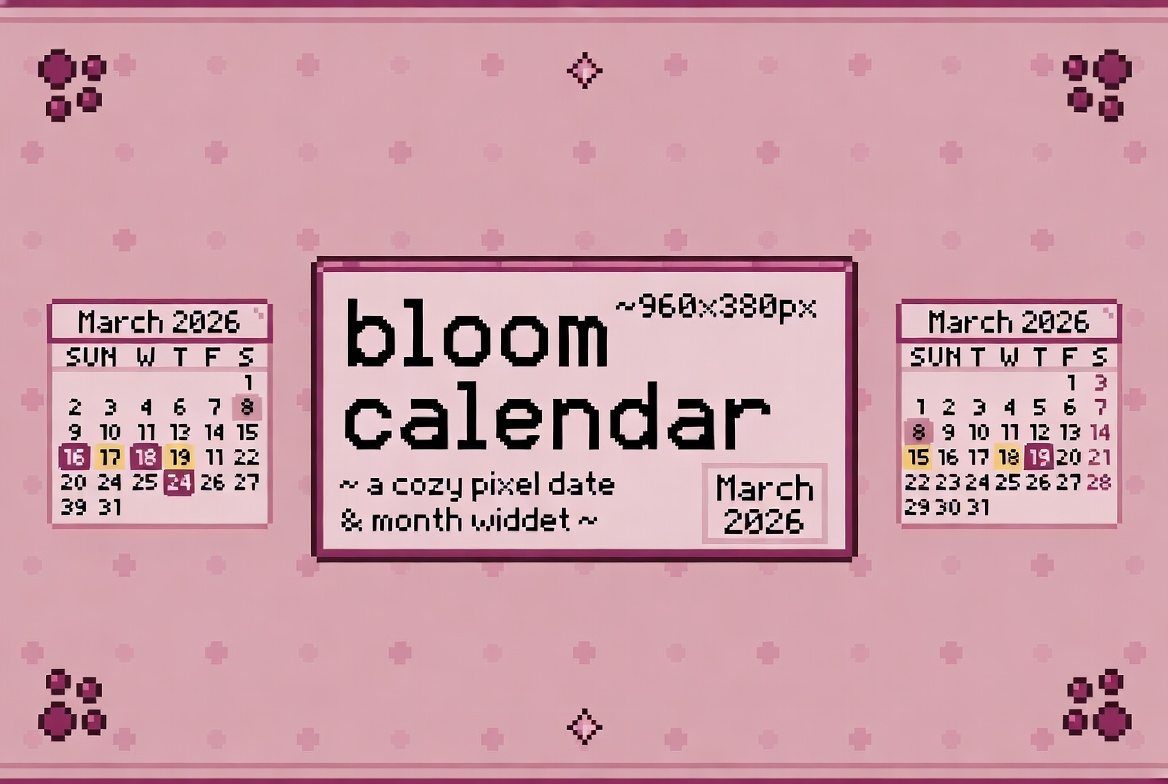
Bloom Calendar
A downloadable tool for Windows, macOS, and Linux
✿ bloom calendar ✿
a tiny cozy pixel desktop widget that shows you the date and month ✦
250×200px · frameless · always on top · no fuss
✦ what it does
a simple electron desktop app that sits on your screen and shows the current date and month in a cute pixelated style. perfect for your cozy desktop setup! 🌸
✦ source code
open source and free! built with electronjs, plain html, css and js — no frameworks ✦
★ github.com/arsa6789/ElectronApps
made with ✿ and too much iced coffee · by arsa6789
Download
Install instructions
✦ install pixeboy font first!
before anything — install the font or the app will not look right!
→ dafont.com/pixeboy · download → right click → install
✦ windows
1. download the windows zip below
2. unzip the folder
3. open the folder → double click Bloom Calendar.exe
4. if windows warns you → click "more info" → "run anyway"
5. the widget appears on your screen ✿
✦ linux
1. download the linux zip below
2. unzip the folder
3. open terminal inside the folder
4. make it executable:
chmod +x "Bloom Calendar"
5. run it:
./Bloom\ Calendar
6. the widget appears on your screen ✿
Development log
- Added App for MacOs1 day ago

Leave a comment
Log in with itch.io to leave a comment.